
 Controls & Safety
Controllers & Finger-Protection Safety
EsaBend 3D control and finger protection, every brake should run with both
ESA 875 W + EsaBend 3D · DA-66T option · laser finger protection
- ✓Simulate the full bend in 3D and catch collisions before you scrap a part
- ✓Import .dxf tooling and IGES/STEP parts, the control unfolds and sequences them
- ✓Keep operators' hands safe close to the tools with laser finger protection
Overview
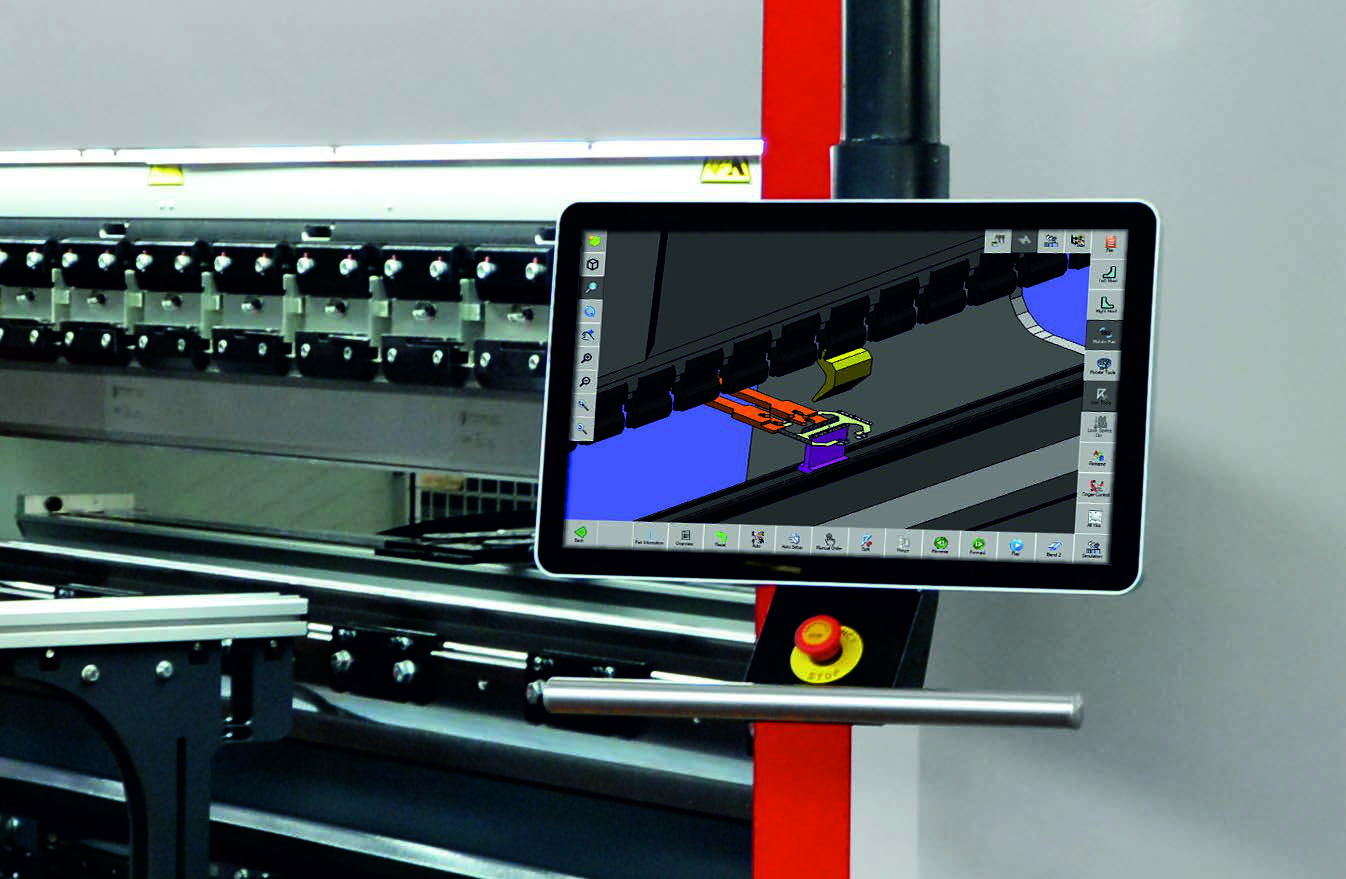
The ESA 875 W controller with EsaBend 3D drives the brake from a 21" widescreen 3D touch screen running Windows 10. Import tool shapes from .dxf, unfold IGES and STEP 3D parts, and let the control search the bend sequence with collision control and simulate it in 3D before the first part. Remote access is built in. A DA-66T controller is available as an option. For operator safety, the Nuova Elettronica DSP-box laser device gives high-speed finger protection, it protects fingers from behind, below, and in front of the tools, lets the operator hold parts close to the tooling, and uses an easily adjusted emitter and receiver. Note: all press brakes should be operated with a safety finger-protection system.
Specifications
ESA 875 W + EsaBend 3D
Safety
Key Features
- ›ESA 875 W with EsaBend 3D, 21" widescreen high-resolution 3D touch screen
- ›CPU: AMD LX-LX800 500 MHz + 4 GB RAM, 2.5" 20 GB+ hard disk drive
- ›2 × RS232, 3 × USB, 2 × Ethernet, fiber-optic interface
- ›Windows 10 operating system with remote access
- ›Direct import of tool shapes (.dxf); IGES and STEP 3D import and unfolding
- ›Automatic bend sequencing with collision control and 3D simulation
- ›Automatic and manual axis adjustment in graphic mode
- ›DA-66T optional controller available
- ›Nuova Elettronica DSP-box laser finger protection, behind, below, and in front of the tools
- ›Easily adjusted emitter and receiver; allows holding parts very close to the tools